WP Presbyters Manuals
Click the “Learn more…” button to view the appropriate Guide to learn how to use the Presbyters Training System.
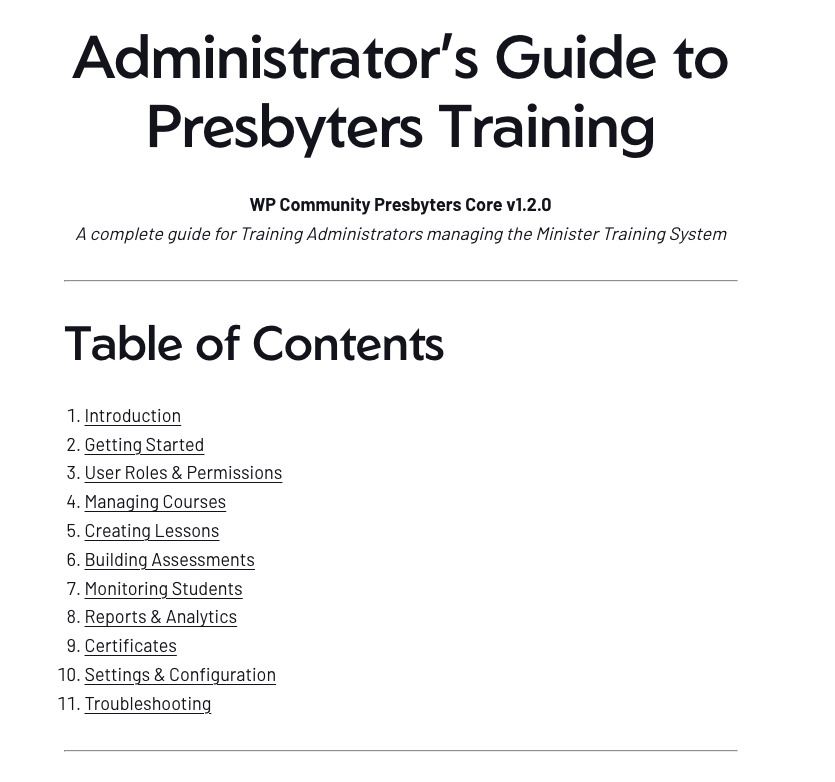
Administrator’s Guide to Presbyters Training
- Admin menu location
- Assigning Training Administrator role
- Courses list view
- Course creation form
- Lesson editor
- Assessment settings
- Adding a question
- Students dashboard
- Overview report
- Enrollment trends chart
- Settings page
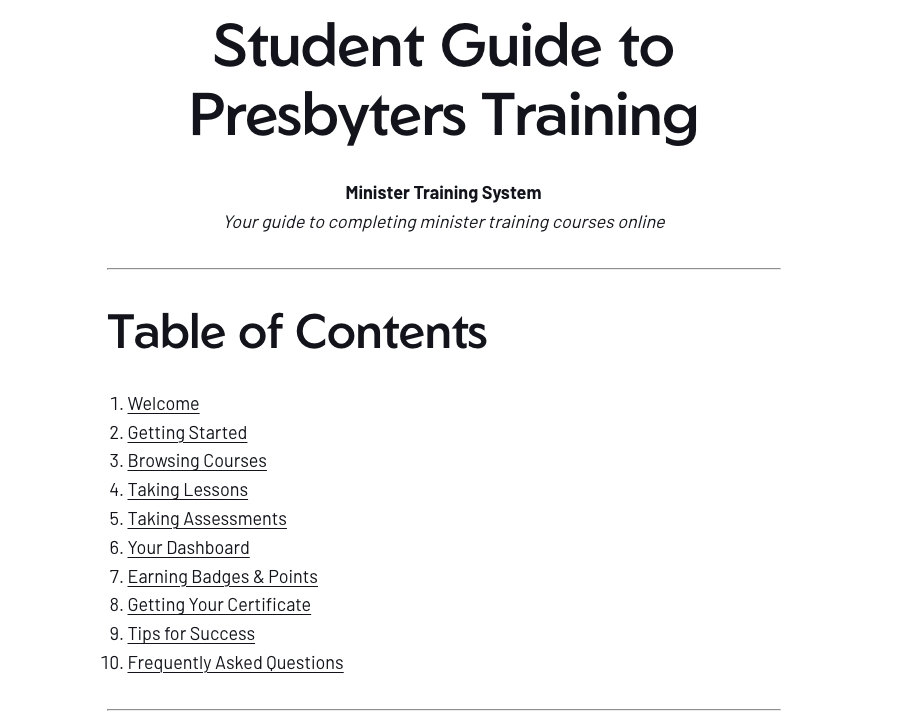
Student Guide To Presbyters Training
- Login page
- Course catalog link in menu
- Course catalog grid
- Course card anatomy
- Course page with lessons
- Lesson viewer
- Mark Complete button
- Assessment section on course page
- Assessment start screen
- Question with answer options
- Timer display states
- Results screen
- Student dashboard
- Badges display
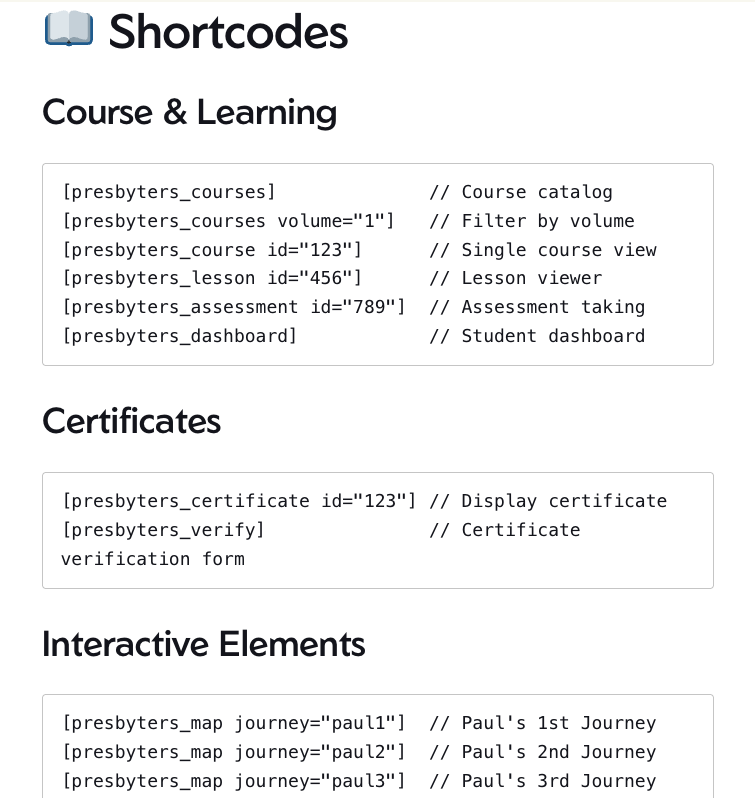
Shortcodes for Presbyters pages
The WP Community Presbyters Core plugin uses shortcodes to display training content on your WordPress pages. This guide walks you through creating each page your training system needs.